Points program
The core module of the system. It increases repeat sales and customer engagement, and encourages customers to come back to you.
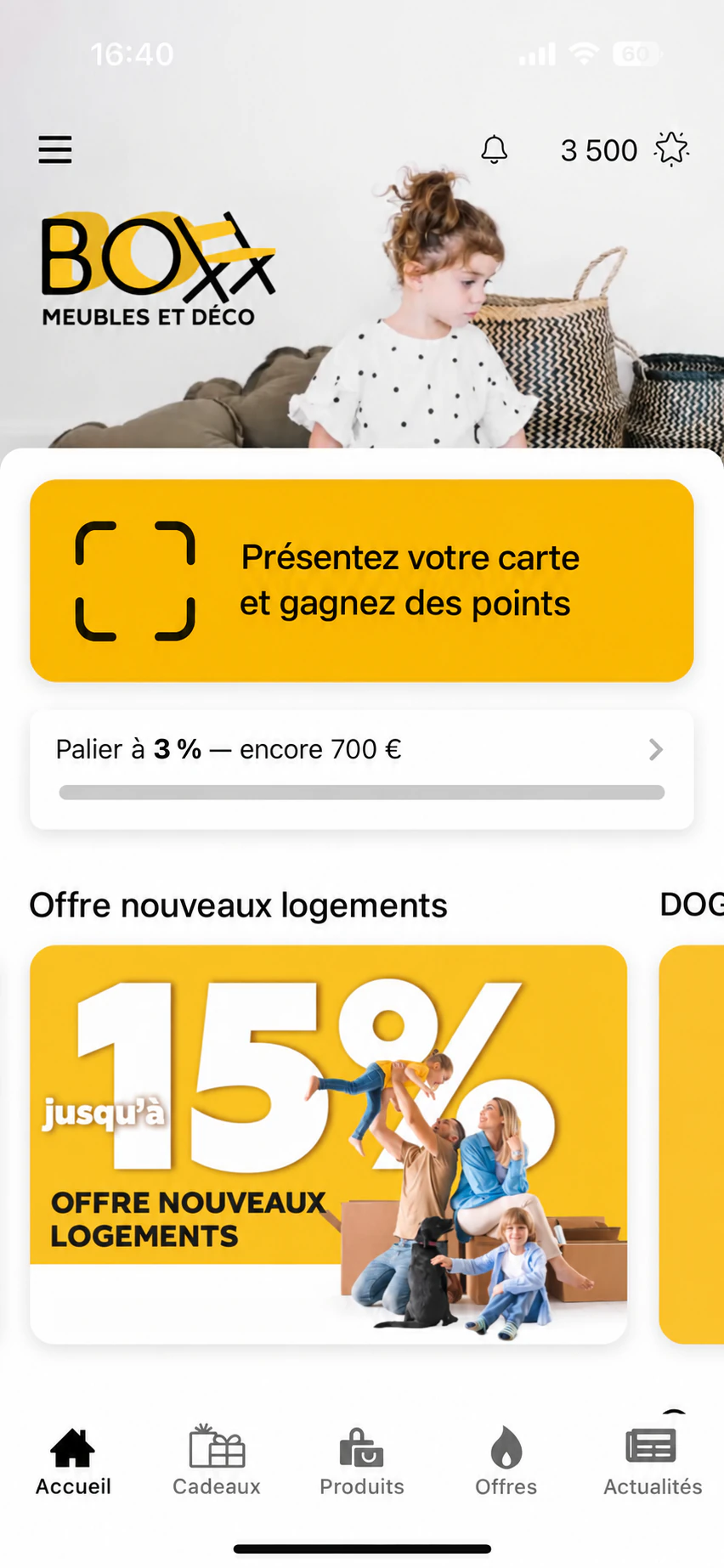
Module features
Earning and redeeming points
A multi-tier points system lets you increase rewards by tying them to the receipt amount. Customers can always choose to spend their points on their next purchase or keep collecting them.
Gifts for points
Lets you focus on customers’ emotional engagement and on the effectiveness of the loyalty program. Unlike discounts, it is cost-effective for businesses. The business creates its own list of gifts that users can spend their points on.
Gifts for points are only available in the mobile app.
Sign-up bonus
Points awarded once to a shopper for joining the loyalty program. For example, after signing up in a mobile app, the customer receives 50 points that they can use right away toward a purchase.
Happy birthday
Bring some joy to customers on their birthday or a few days before. Send them your best wishes and give them points and gifts.
Win back inactive customers
Send automated messages to people who haven’t bought from you in a while. Offer customers time-limited points to motivate them to come back soon.
Delayed crediting
Set when points for purchases are credited, so the customer gets their cashback not immediately but after a set number of days. Delaying points helps fight fraud on product returns, which is especially important in retail.
Points expiration
This scenario lets you limit how long points earned on purchases stay valid and encourages customers to redeem them sooner.
How do you set up the module?
1. Set your points-earning rules
Configure the loyalty program tiers and the percentage of points returned to customers based on the purchase amount.
2. Set up the mechanicsIn the system’s “Mechanics” section, specify:
- the number of points the customer will receive for joining the loyalty program;
- the number of days after which points will be credited to the customer; the lifetime of
- points;
- the text and sending settings for push notifications on the customer’s birthday.
3. Add a gift (mobile apps only)
In the system’s “Gifts for points” section, create a new item by adding a name, description, image and cost. You can also specify the redemption period and how many times the gift can be exchanged for points.
4. Track the analytics
View data on gifts for points over the period you choose. Find out which gifts are most popular with which audience segments. Measure the effectiveness of specific mechanics - automatic win-back and happy birthday.
A plan that fits your project
Support, features and connections are detailed in your quote.
Explore our plans