Referral program
Depending on your plan and your provider’s terms.
Module features
Referrals
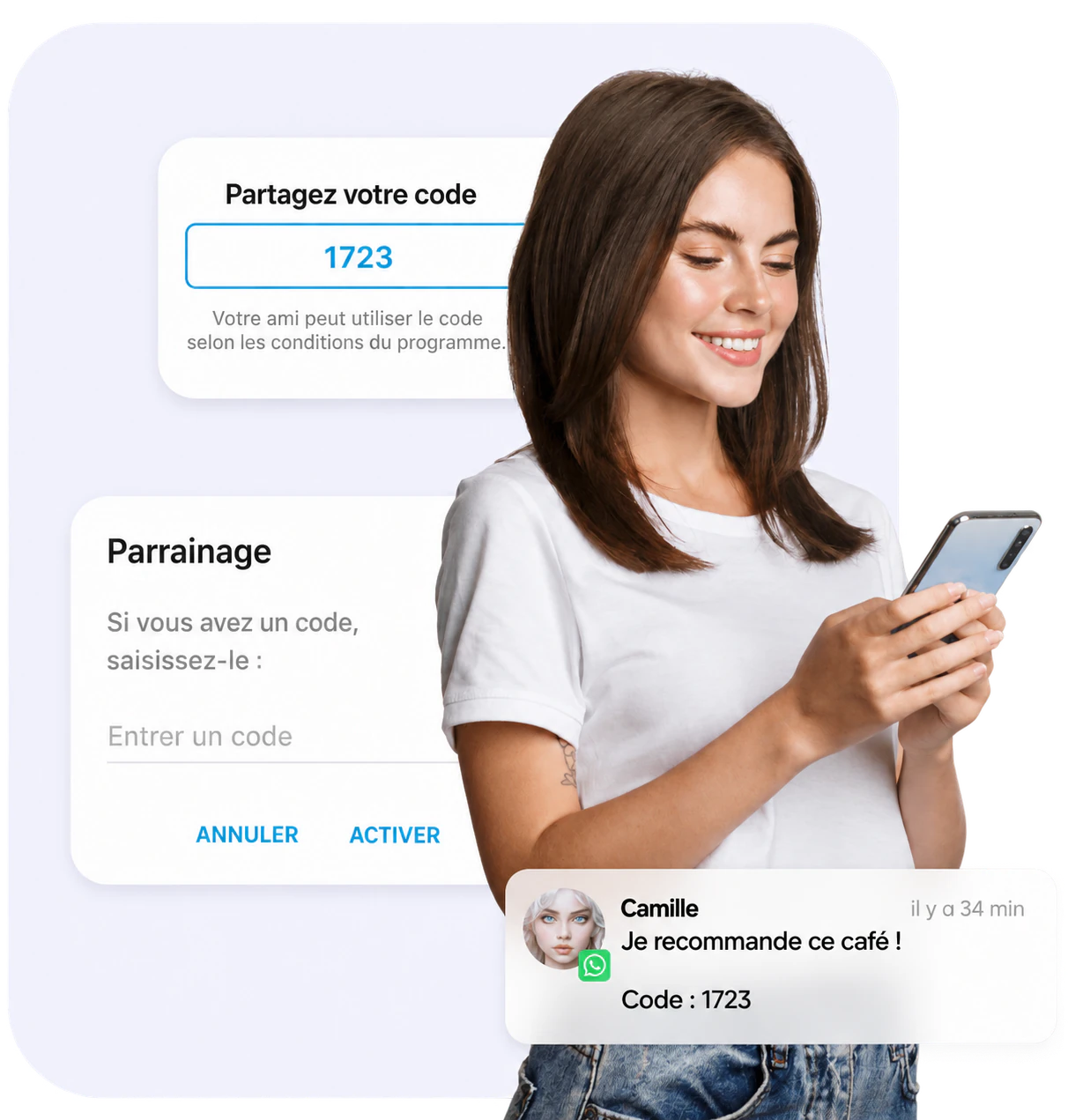
Your customers can invite their friends to use your business by sending them a link with a promo code in a message or through a QR code.
Referral program levels
Depending on your plan and your provider’s terms.
Incentive options:
- Invitation points
Lets your customers earn points on their account by successfully recommending your business. You can set up both a one-time reward and an ongoing reward for every purchase made.
- Percentage of purchase
The percentage of the purchase amount the customer receives on their account as points. You can set up both a one-time reward and an ongoing reward; the referrer then earns points for every purchase made by the friend they invited.
Referral program analytics
This report shows how many customers joined the loyalty program through a referral, meaning they did not just install your card or rewards app but also shared their details. See how many purchases were made over a given period and for what amount.
The report also shows the top 10 referrers who brought in the most customers. You can use this data to reward your most active customers.
How do I set up the module?
1. Set the reward amount
Configure the referral program levels and the points or reward percentage your customers will receive for referrals.
2. Issue a promo code
Once a customer has downloaded the app or the loyalty card to their phone, they are automatically assigned a promo code they can send to a friend.
3. Add points
When a friend uses the promo code while installing your app or card, or when making a purchase, points are awarded to them and to the customer who shared the promo code.
A plan tailored to your project
Support, features and connections are specified in your quote.
Explore our plans