Discounts
Discounts speed up the buying decision because they offer an instant benefit. Use them to increase foot traffic and drive quick sales.
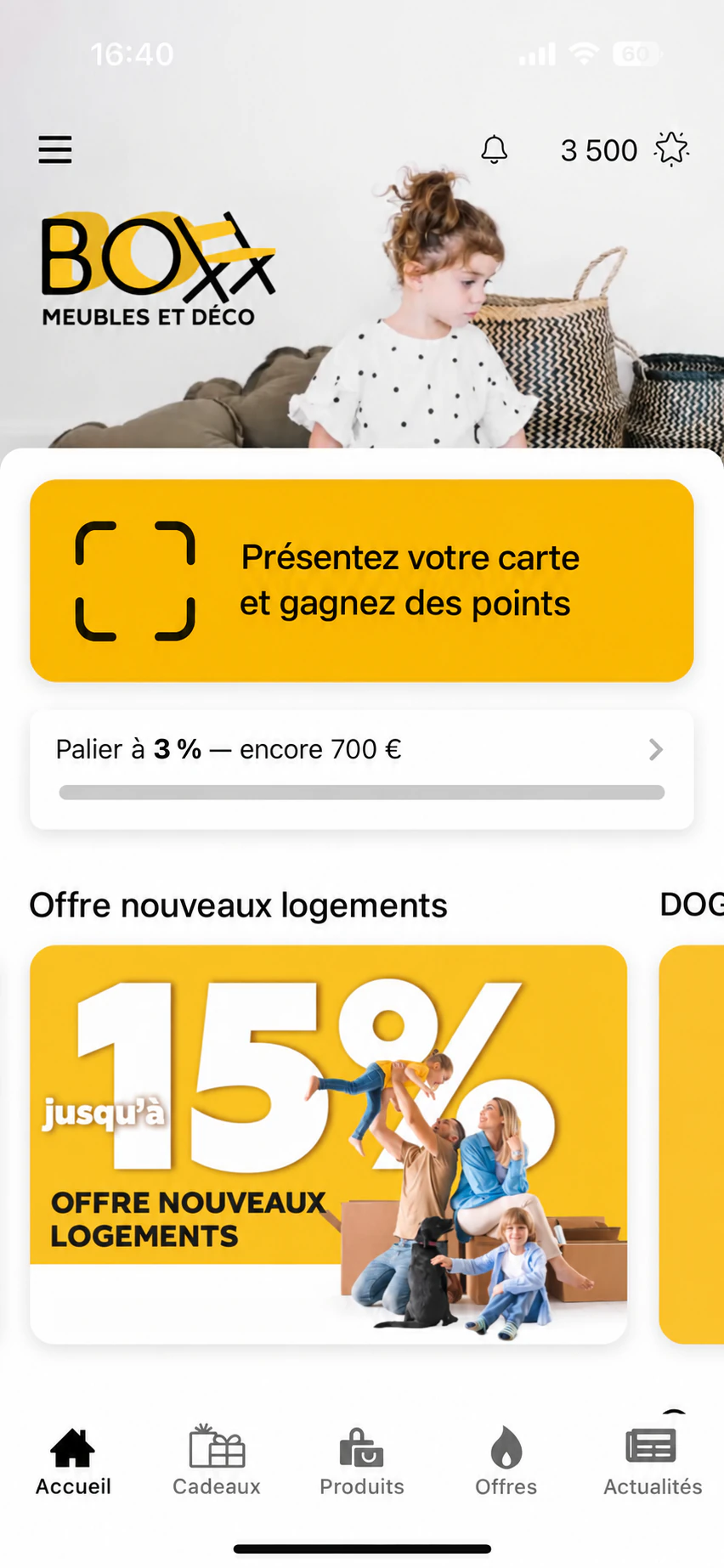
Module features
- Flexible discount percentage for each customer level
- The option to combine discounts and points in a single program, or to use only discounts or only the points system
- Different conditions for each location
- Automatic discount applied to the whole receipt
- Margin control: exclude products, limit how much of a product can be paid for with points and discounts
Depending on your plan and your provider’s terms.
Compatibility and terms are reviewed based on your equipment and needs.
How do I set up the module?
1. Set the discount percentage
In the “Earning levels” section of the loyalty program, enter the discount percentage you want in each level’s settings. You can choose discounts only, points only, or combine the two. If no discount should apply at a level, leave the field empty.
2. Set up adjustmentsIf you have several locations, each with its own discount conditions, add adjustments. To do so, while editing the level, click “Adjustments”, select the location and enter its discount percentage.
3. Add a discount limit on products
You can exclude specific products from discounts. To do so, go to the “Products” section, select the item and turn off the “This product is eligible for a discount” setting. When a discount is enabled, you can also set what percentage of the product’s price can be deducted as a discount.
A plan tailored to your project
Support, features and connections are specified in your quote.
Explore our plans